Nobody looks after the IT
Problems go to whoever is free, or to a friend of the owner, and the same issues keep coming back.
What we changeOne helpdesk that knows your clinic, your systems and your team, with every request logged and seen through.


Clinic software support
Good marketing only works if every enquiry lands in the right diary. We set up and support the software your clinic runs on, so nothing your marketing brings in gets lost.
When the booking system is down or the card machine won’t connect, the whole clinic grinds to a halt. Most practices only find out how fragile their set-up is on a busy Monday morning.
Problems go to whoever is free, or to a friend of the owner, and the same issues keep coming back.
What we changeOne helpdesk that knows your clinic, your systems and your team, with every request logged and seen through.
Bookings, payments, forms and enquiries sit in separate places, so your team copies details between them by hand.
What we changeYour systems linked up, so information is typed in once and appears wherever it’s needed.
Shared logins, old laptops and untested backups leave patient data more exposed than anyone realises.
What we changeAccounts, devices and backups set up properly, and each person only sees what their job needs.
Everything that keeps your clinic’s technology running, from one new laptop to moving every record to a new system.
One place for your team to report problems, with help from people who know your set-up.
Your practice software set up around how your clinic really works.
Moving to a new system without losing records or disrupting your clinics.
Booking, enquiries, forms, payments and messages linked, so details are only typed once.
Sensible protection for patient data, sized for a clinic.
New starters ready on their first day, leavers removed on their last.
Built for regulated healthcare
We list your systems, devices and accounts, and the problems your team runs into most.
Security, backups and the problems that keep coming back are sorted first.
Practice software, enquiries, forms and payments linked, so your team stops copying details.
An everyday helpdesk, with changes and new starters handled as the clinic grows.
Practice software
We work with the systems UK private clinics use most, and help clinics move between them.
 Worked in daily by the Digitalise team
 Worked in daily by the Digitalise team
 Worked in daily by the Digitalise team
 Worked in daily by the Digitalise team
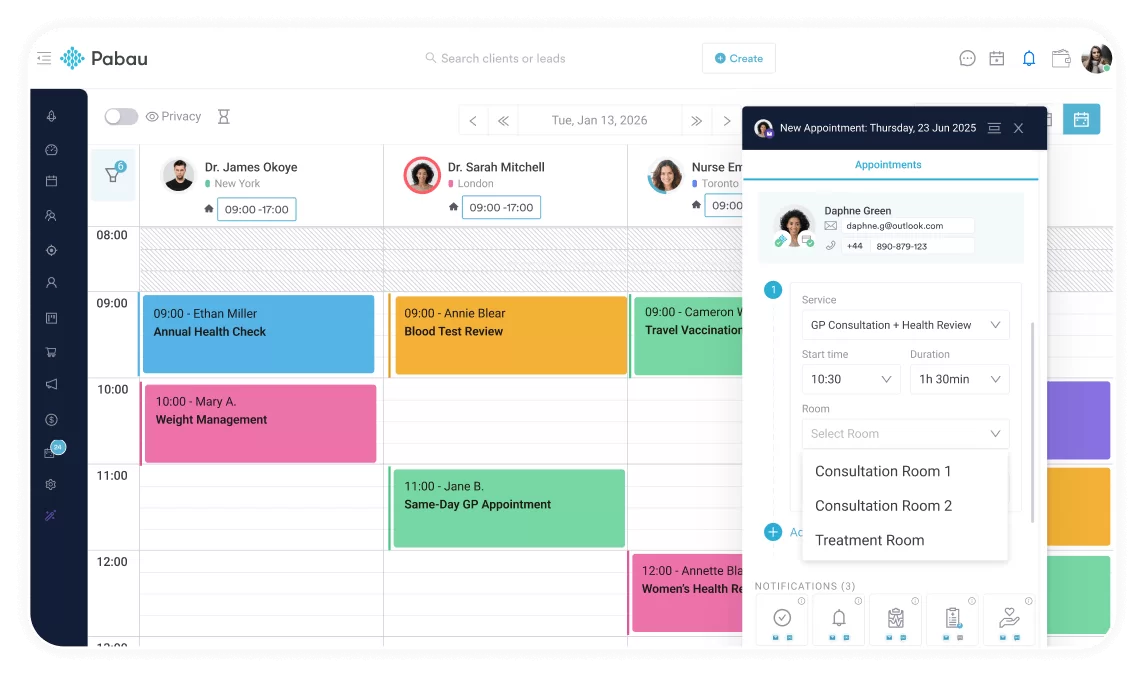
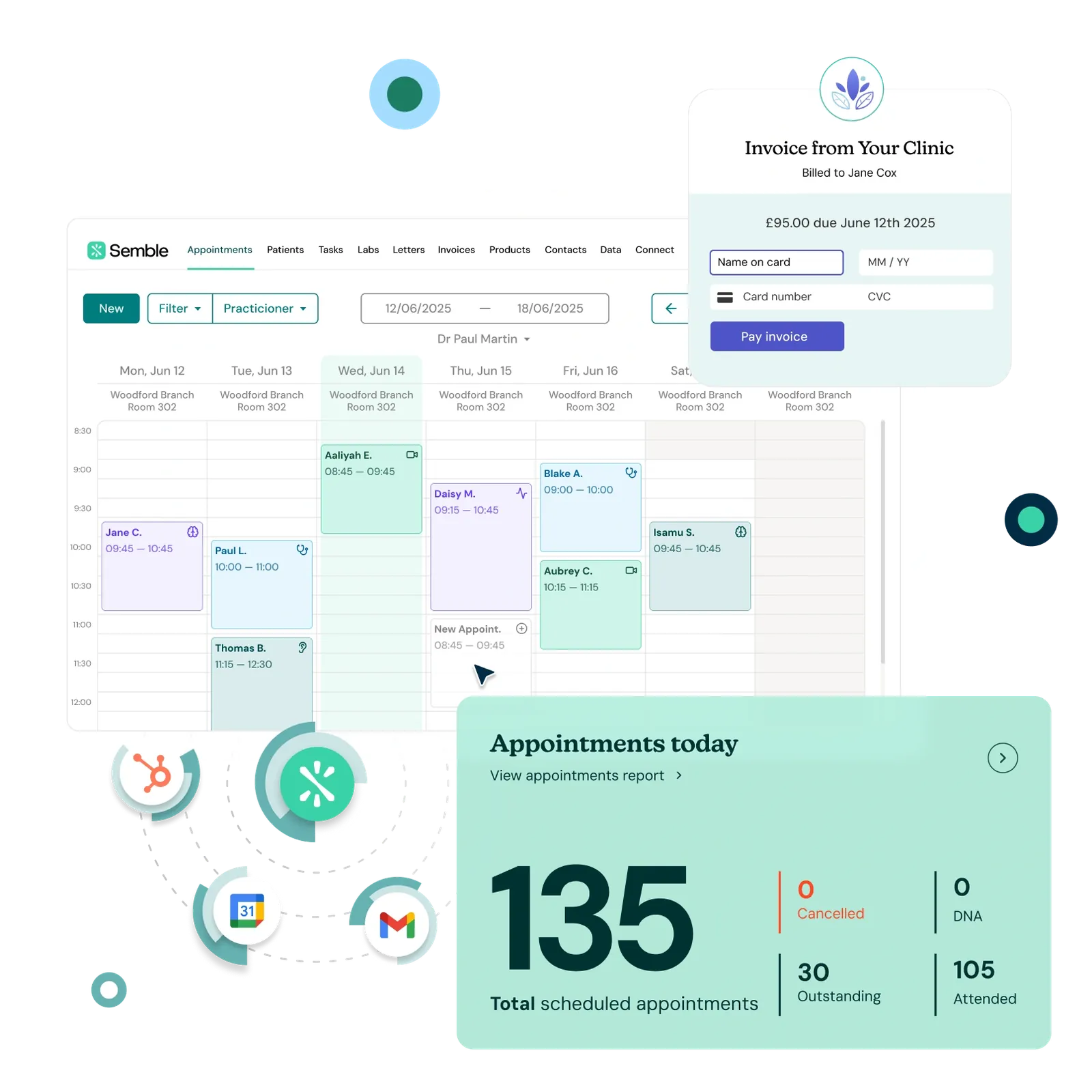
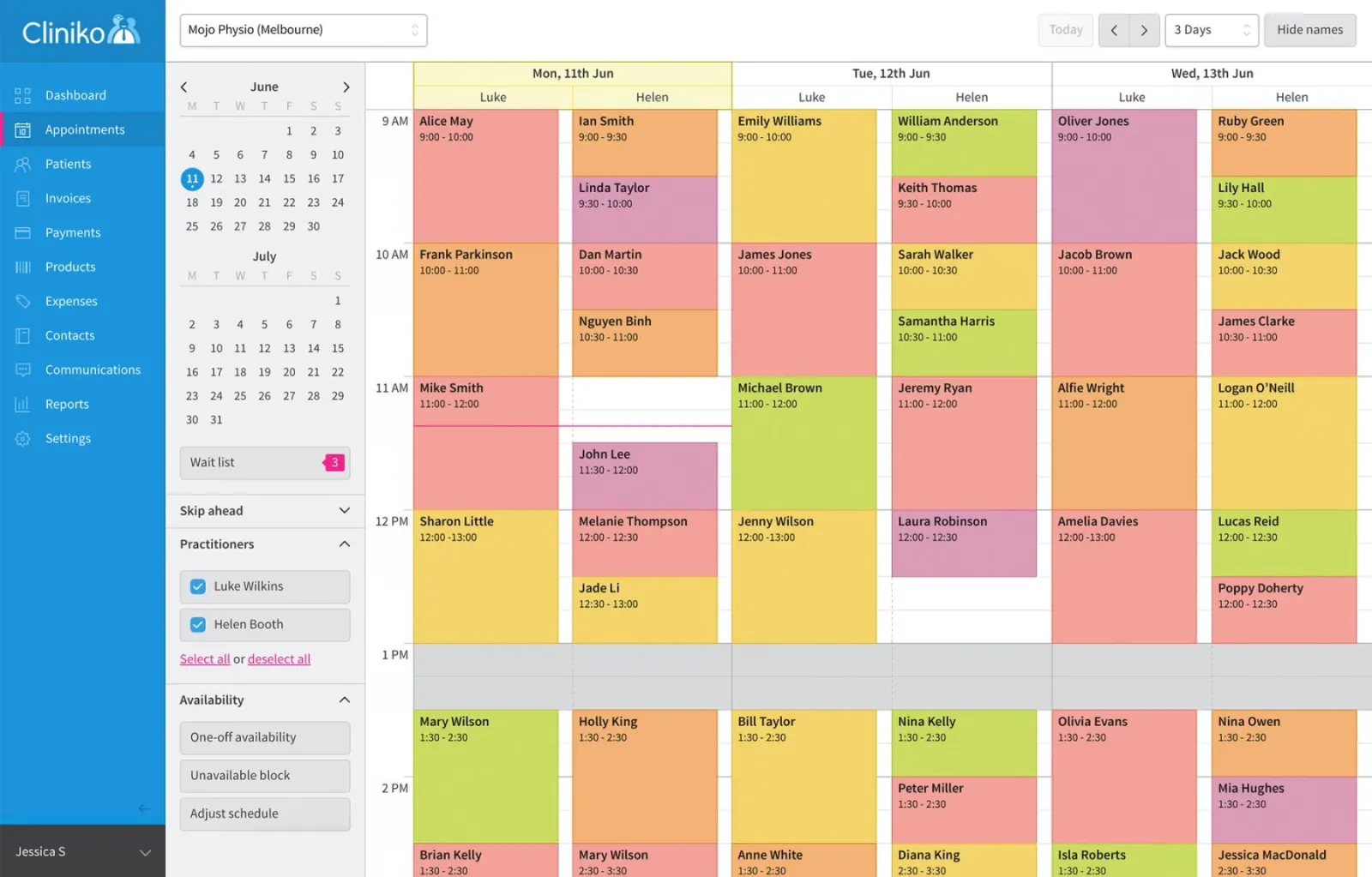
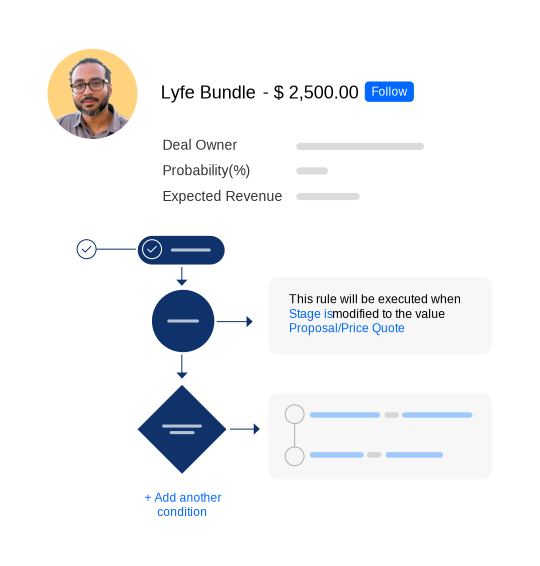
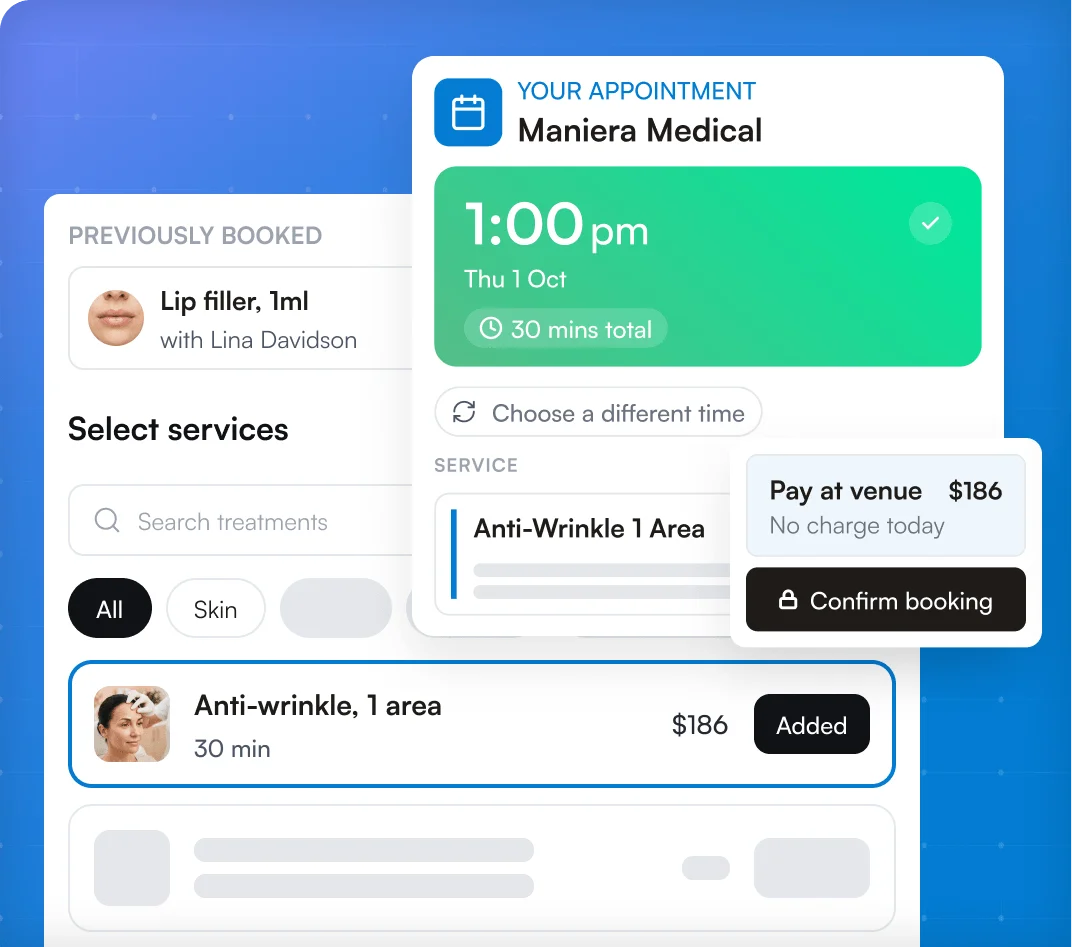
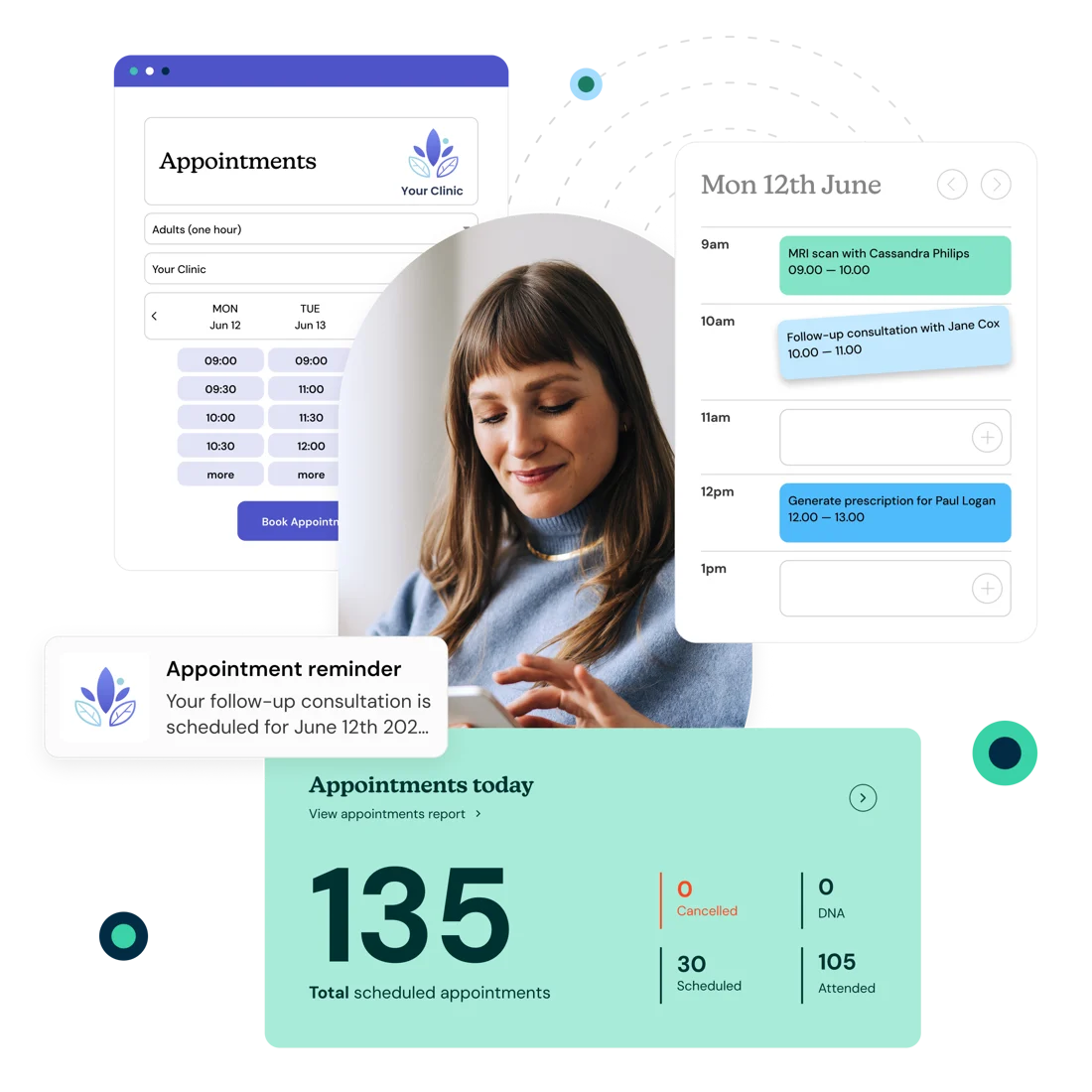
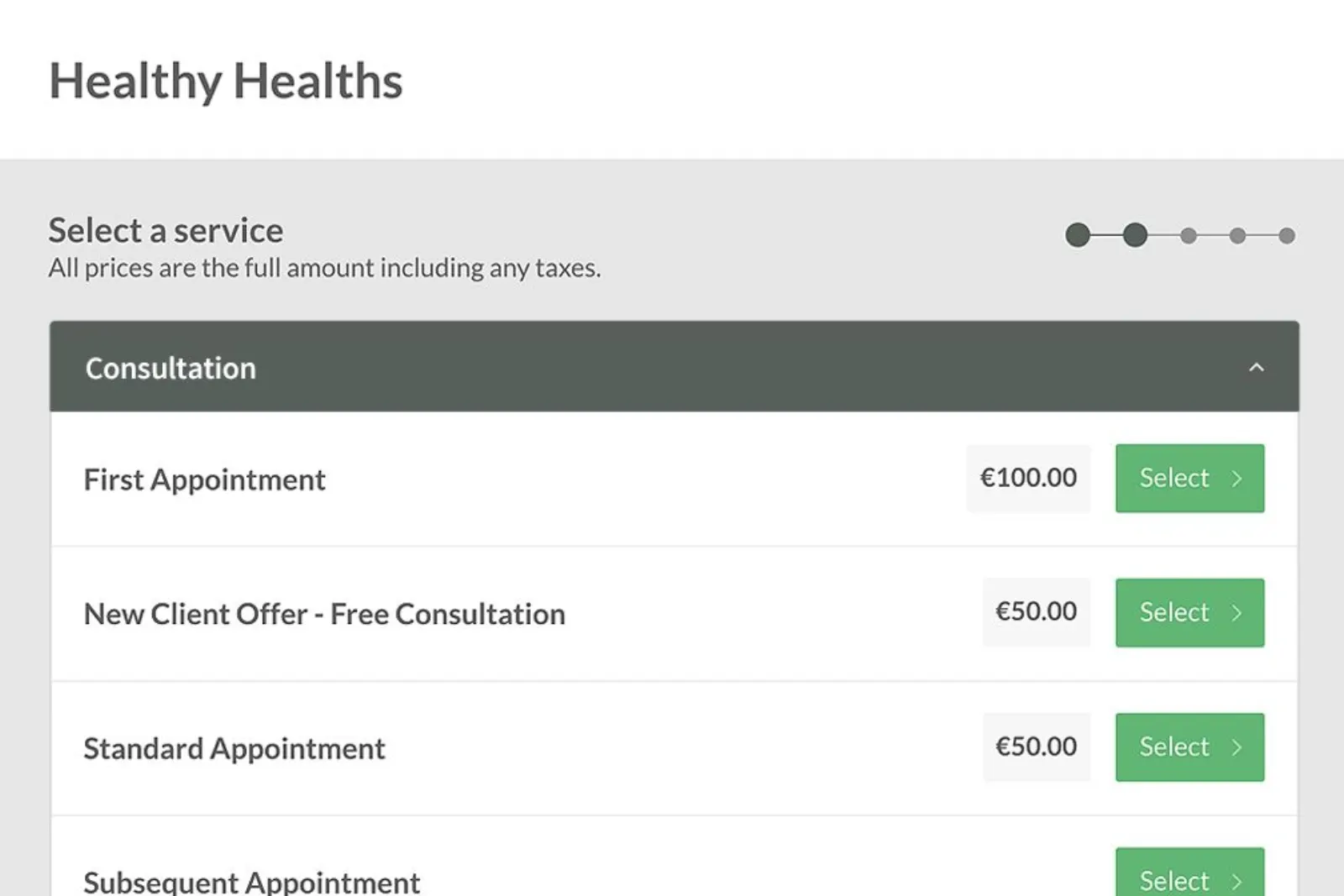
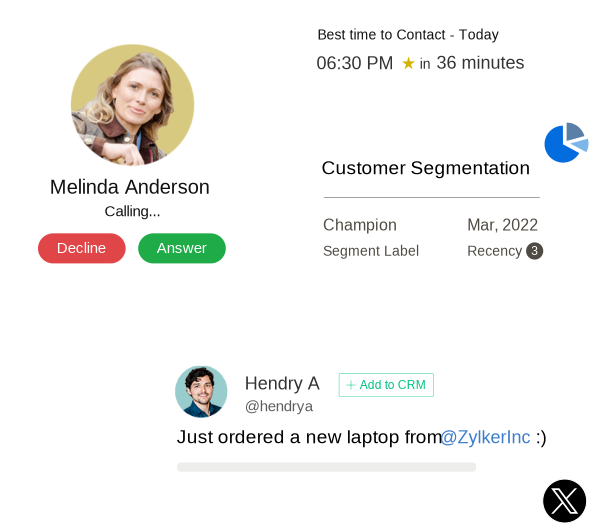
Using something else? We work with most practice software used by UK clinics, and can help you move from one to another. No system yet, or outgrown spreadsheets? Start on the MF Portal, and we’ll move you onto the right clinic system when you’re ready.

Every system, device and account listed, with the risks and recurring problems put in order of priority.
Backups, security and access sorted, and the helpdesk set up for your team.
Your systems linked and any practice software changes made, with training for your team.
New clinics, clinicians and systems added without your set-up falling behind.
We work with Pabau, Semble, Cliniko, Zoho, Zenoti and TM3, and most other practice software used by UK clinics.
Yes. We plan the move with you, match up and check the data, test before switching and support your team afterwards.
We can take on everything, or work alongside your current provider and focus on your clinic systems.
Our helpdesk works Monday to Friday during business hours, with an emergency line for urgent problems. We agree the exact hours with you when you join.

A 30-minute call. We’ll look at your set-up and tell you what we’d fix first.